Why this guide?
This guide explains how to use the STT Revise Guide in EventCAT Conference.
The STT Revise Guide allows you to give direct instructions to EventCAT’s speech-to-text engine before a session starts. These instructions help EventCAT better understand names, terms, formatting preferences, and event context.
A more accurate transcription can improve the quality of real-time captions and AI translations during your session.
What is the STT Revise Guide?
The STT Revise Guide lets you customize how EventCAT transcribes your session using plain, natural language instructions.
You can use it to tell EventCAT how specific words should be spelled, what content should be filtered out, or what context the engine should know before the session begins.
For example, you can provide instructions for:
Speaker names
Company names
Product names
Acronyms
Industry-specific terms
Event topics
Words or phrases to ignore or replace
How to Use the STT Revise Guide
In the Controller UI, click the STT Revise Guide button located at the bottom of the left-side panel.
A modal window will open with a text input area.
Type your instructions in plain, natural language.
Save your input.
Once saved, the STT engine will follow your instructions during the session.
Important Notes
Instructions are limited to 1,000 characters. Keep your instructions clear, concise, and focused on the most important terms or rules.
The STT Revise Guide can only be edited when the session is stopped. Make sure to configure your instructions before starting the session.
Example Uses
1. Spelling and Formatting Rules
Use this when specific names, brands, or terms must appear in a certain way.
Examples:
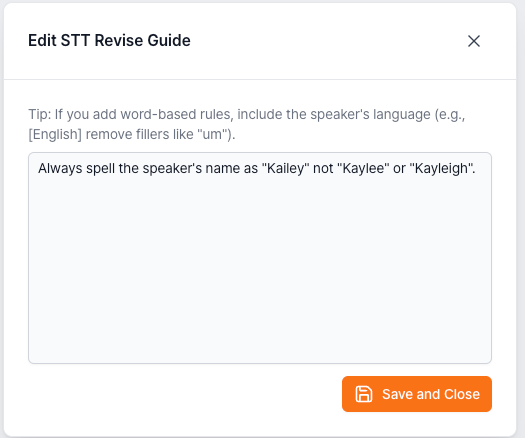
Always spell the speaker’s name as “Kailey,” not “Kaylee” or “Kayleigh.”
The company name should always appear as “XL8,” not “Excel Eight.”
Spell the product name as “EventCAT,” always one word, with CAT capitalized.
Write currency amounts in symbol format, such as “$500M” instead of “500 million dollars.”
2. Content Filtering and Replacement
Use this when certain speech should be removed, replaced, or cleaned up in the transcript.
Examples:
Do not transcribe filler words such as “um,” “uh,” or “you know.”
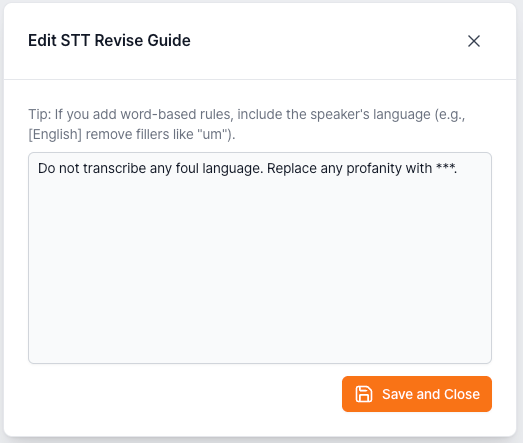
Replace any profanity with “***.”
Do not transcribe background noise or audience crosstalk.
If competitor company names are mentioned, replace them with “[competitor].”
3. Contextual Information
Use this to give EventCAT background information about the session topic.
Examples:
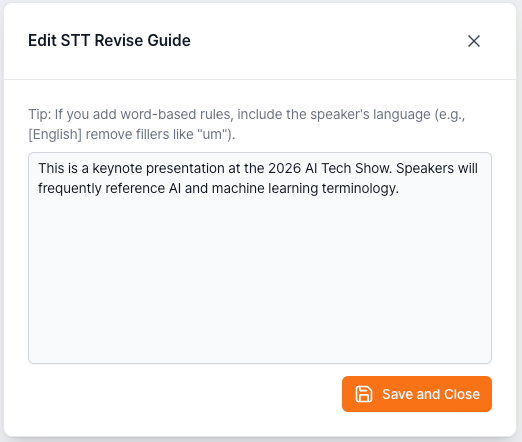
This is a keynote presentation at the 2026 AI Tech Show. Speakers will frequently reference AI and machine learning terminology.
This session is a medical conference panel. Expect technical terms such as "myocardial infarction", "tachycardia", and "endoscopy".
This is an internal legal briefing. The case name is "Thornton v. Hargreaves". Spell all legal citations exactly as spoken.
4. Combined Instructions
You can combine spelling rules, filtering instructions, and event context in one prompt.
Example:
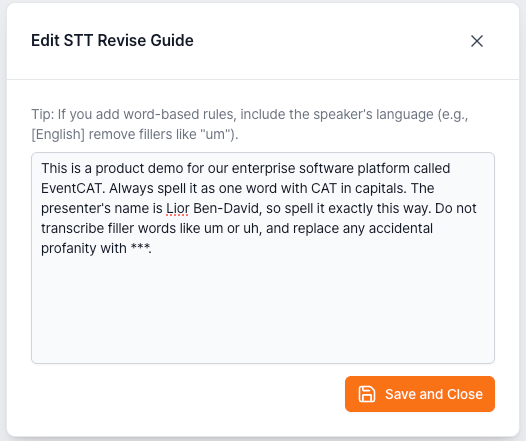
This is a product demo for EventCAT. Always spell EventCAT as one word with CAT capitalized. The presenter’s name is Lior Ben-David. Do not transcribe filler words like “um” or “uh,” and replace any profanity with “***.”
Tips for Writing Effective Instructions
Be specific: The more precise your instruction, the better the result. Instead of "spell names correctly", write "the speaker's name is Anneliese Hofmann".
Use plain language: Write as if you are explaining the rules to a person — no technical syntax needed.
Prioritize impact: With a 1,000-character limit, focus on instructions that will have the biggest impact on your transcript quality.
Combine context + rules: Giving the engine event context and specific spelling rules together tends to produce the best results.
If this guide does not resolve the issue, users can reach out for further assistance:
Go to EventCAT Help Desk
Need more help? contact@eventcat.com
Was this article helpful?
That’s Great!
Thank you for your feedback
Sorry! We couldn't be helpful
Thank you for your feedback
Feedback sent
We appreciate your effort and will try to fix the article